
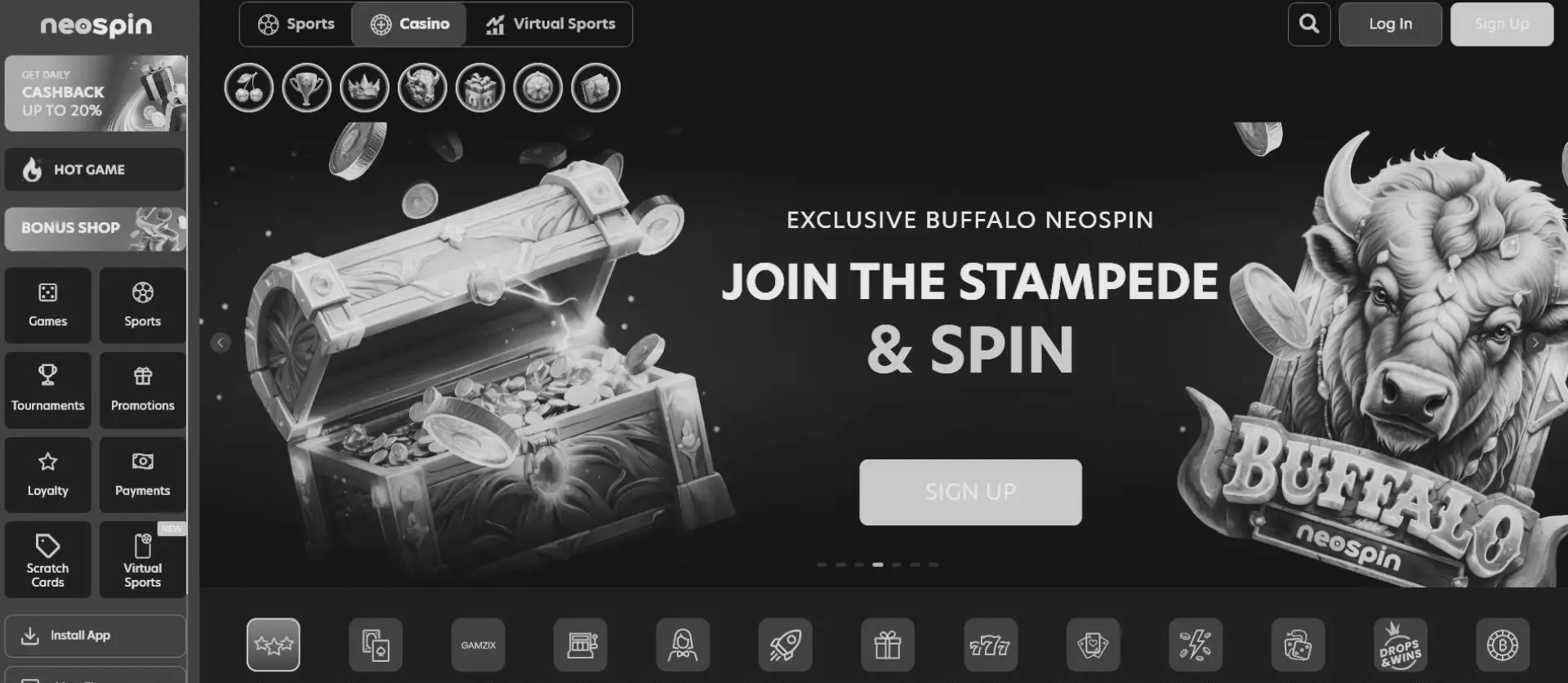
This overview outlines the confirmed details for the Neospin casino app experience—covering iOS and Android setup steps, browser vs. home-screen shortcut comparisons, device performance correlation, and verified AUD deposit, bonus, and withdrawal rules.
Quick Mobile Access Facts for Australia
- Brand & Operator: Neospin Casino (also searched as Neo Spin app), operated by Metlait SRL under Tobique Gaming Commission licence No. 0000064
- Confirmed Mobile Platform: Mobile-optimised website and browser-based Progressive Web App (PWA) shortcut
- Native App Store Status: No standalone iOS App Store or Google Play Store app confirmed in official specifications
- Supported Mobile Browsers: Safari (iOS/iPadOS) and Chrome or standard mobile browsers (Android)
- Account & Currency Support: Full AUD balance display, Visa/Mastercard/MiFinity deposits from AUD 30, and crypto transactions
- Verified Welcome Codes: Standard 4-stage welcome package (NEO1–NEO4) or Highroller offer (NEOVIP)
- Customer Support: 24/7 live chat and email (support@neospin.com)
Mobile Browser vs. Home-Screen PWA vs. Desktop Comparison
Whether you access Neospin mobile via a standard smartphone browser or save a Neospin mobile app shortcut to your home screen, the underlying account credentials, AUD cashier, and promotional rules remain identical to desktop. Because a standalone native download is not confirmed in the official brand documentation, features such as offline demo play or hardware-level app permissions should not be assumed.
| Feature / Capability | Mobile Browser (Safari / Chrome) | Home-Screen Shortcut (PWA) | Desktop Website |
|---|---|---|---|
| Installation Requirement | None (opens directly via URL) | Browser "Add to Home Screen" shortcut (no store download) | None (desktop browser) |
| Account & AUD Cashier | Full access (same login & AUD balance) | Full access (same login & AUD balance) | Full access |
| Promo Code Activation | Supports NEO1–NEO4, NEOVIP, WN30, 66NEO | Supports NEO1–NEO4, NEOVIP, WN30, 66NEO | Supports all active codes |
| Deposit & Withdrawal Limits | Min. deposit AUD 30; Bank Transfer payout min. AUD 300 (2.5% fee) or free instant crypto | Identical cashier limits & fees | Identical cashier limits & fees |
| Navigation Layout | Responsive touch interface with browser address bar | Full-screen window launched from home-screen icon | Widescreen multi-column layout |
| Standalone Native APK / IPA | Not required | Not confirmed in official specifications | Not applicable |
Device Specs, Connection Speed & Mobile Performance Correlation
Because the Neospin mobile casino runs directly inside modern mobile rendering engines rather than a pre-installed native package, session stability correlates directly with browser version, available RAM, and network latency rather than local storage space:
| Device & Network Profile | Browser & OS Setup | Expected Mobile Behaviour | Practical Recommendation |
|---|---|---|---|
| Entry-Level Smartphone + 3G / Weak Signal | Older Android/iOS build with limited free RAM | Slower lobby asset loading; higher risk of session timeouts during live streams | Close background tabs and stick to standard RNG games over live tables. |
| Mid-Range Phone + Stable 4G | Updated Chrome or Safari (Android 10+ / iOS 15+) | Smooth responsive navigation, fast cashier loading, and reliable slot play | Suitable for everyday Neospin app Australia sessions and deposits. |
| Modern Device + 5G / Wi-Fi | Latest Safari or Chrome with home-screen PWA icon | Fastest page transitions, stable live-dealer video feeds, and instant crypto/card cashier | Optimal setup for live-dealer rooms and extended mobile sessions. |
How to Set Up the Neospin Casino App on iPhone & Android
Players searching for a Neospin app download or Neospin casino app download should avoid third-party file repositories, as no official app is distributed through external stores. Instead, you can create a one-tap icon on both iOS and Android using your phone's built-in browser:
Setting Up the Neospin Casino App for iPhone (iOS Safari)
- Open Safari on your iPhone or iPad and navigate to the official Neospin website.
- Tap the Share icon (square with an upward arrow) in the bottom navigation bar.
- Scroll down and select Add to Home Screen.
- Confirm the shortcut name and tap Add in the top-right corner to place the Neospin casino app for iPhone icon on your home screen.
Setting Up the Neospin Casino App for Android (Chrome)
- Open Chrome on your Android device and visit the official Neospin website.
- Tap the three-dot menu in the top-right corner of the browser.
- Select Add to Home screen (or Install app if prompted by Chrome's PWA installer).
- Confirm the prompt to place the Neospin casino app for Android shortcut directly on your home screen—no manual APK sideloading or "unknown sources" permission changes required.
Registration, Bonuses & Cashier Rules on Mobile
Using the Neospin app provides the exact same account functions and promotional terms as the desktop site, with no separate mobile-only bonus structure:
- Launch the Neospin mobile site or home-screen icon and tap Sign Up (or log in with existing credentials).
- Select Australia and AUD during registration, then enter your legal name, email, phone number, and 18+ confirmation.
- Open the cashier and enter an active promo code before depositing—such as NEO1 (100% up to AU$1,500 + 100 FS from AUD 30) or NEOVIP (125% up to AU$5,000 + 10% cashback from AUD 1,500).
- Fund your account via Visa, Mastercard, MiFinity (min. AUD 30, free, instant), or supported cryptocurrencies (from 20 USDT / 0.0008 BTC).
- Complete mandatory KYC verification (government photo ID, proof of address, and payment confirmation) before requesting your first withdrawal via Bank Transfer (min. AUD 300, 2.5% fee, 1–3 banking days) or instant fee-free crypto.
Security & Troubleshooting on Mobile
- Account & Single-Profile Rule: Only one personal account is permitted per person, household, IP address, and device. Logging in across both desktop and mobile with the same credentials is permitted, whereas creating a second profile on your phone violates platform rules.
- Verification (KYC): Identity checks are mandatory prior to first withdrawal (and prior to depositing with Bitcoin). If requested documents are not supplied within two (2) weeks, the account may be locked and pending payouts cancelled.
- Shortcut Missing on iOS: Ensure you used Safari rather than Chrome when selecting "Add to Home Screen," as iOS restricts home-screen web app installation to Safari.
- Slow Loading or Login Errors: Clear your mobile browser cache, confirm cookies are enabled, or switch between Wi-Fi and mobile data. For persistent access issues, contact 24/7 live chat or email support@neospin.com.
Frequently Asked Questions (FAQ)
Is there an official Neospin app download on the App Store or Google Play?
No standalone native application is confirmed in the official Neospin specifications. Australian players access the platform through the mobile-optimised website or by saving a Progressive Web App (PWA) shortcut to their home screen via Safari or Chrome.
Is the Neospin mobile casino free to use?
Yes. Accessing the mobile website and adding the home-screen shortcut on iOS or Android is completely free. Standard deposit minimums (from AUD 30) and withdrawal rules apply only when playing for real money.
Do I need a separate account for the Neo Spin app?
No. You must use your single registered Neospin account across both desktop and mobile devices—creating a separate mobile account breaches the one-account-per-user policy.
Can I claim welcome bonuses and withdraw winnings on mobile?
Yes. All verified promo codes (NEO1–NEO4, NEOVIP, WN30, and 66NEO) and withdrawal methods (Bank Transfer from AUD 300 and instant crypto payouts) work identically on mobile browsers and desktop.


